
Pulsar Workspaces comes to CORE: enterprise-grade access control for your owned channel intelligence

In February, we introduced Pulsar Workspaces in TRAC, bringing folder-based organization, permissions, and team-level sharing to social listening searches for the first time. Today, we're extending Workspaces to Pulsar CORE, giving enterprise teams the same structural control over their owned channel analytics.
Why this matters
CORE lets you measure, benchmark, and evaluate owned social performance across Facebook, Instagram, X, YouTube, LinkedIn, TikTok, and Google Analytics.
For large agencies and global brand teams, that often means dozens, sometimes hundreds of Brandsets tracking both owned and competitor profiles.
Until now, every Brandset in a workspace was visible to every user. That's fine for small teams, but it starts to become a problem when you're an agency managing two competing brands from the same platform, or a holding group with strict internal separation requirements.
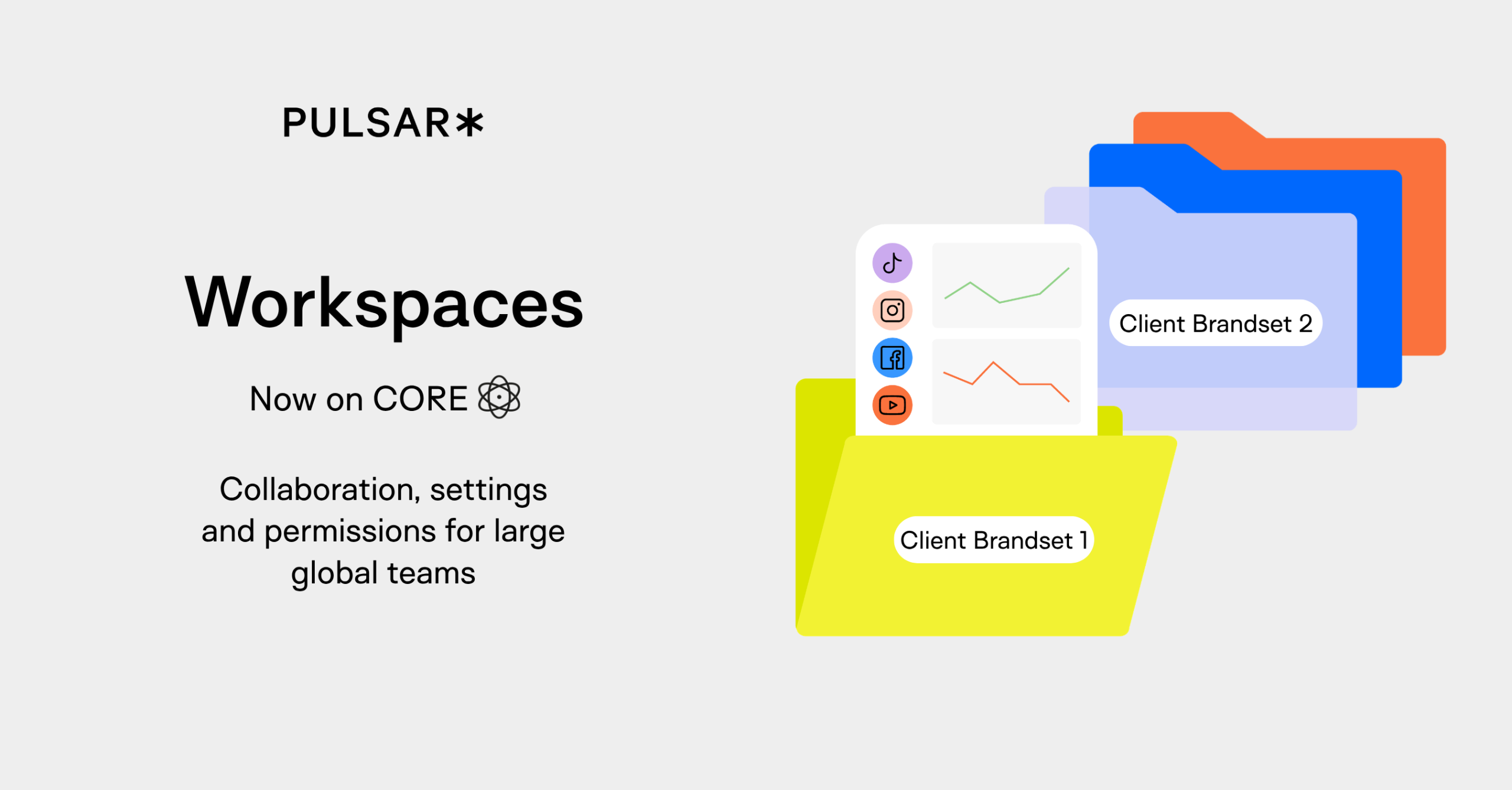
Workspaces on CORE solves this with Brandset Folders, the same folder-based architecture you already know from TRAC, now applied to your owned content and audience data.
What you can do
- Organize Brandsets into folders by client, market, team, or function — replacing the flat list with a structure that mirrors how you actually work.
- Control access at the folder level. Folders are private by default.
- Owners and Superadmins add users who need access. No more worrying about cross-client visibility.
- Assign Brandsets to multiple folders. A single Brandset can live in more than one folder, so your organizational structure stays flexible.
- Manage at scale. Bulk-assign existing Brandsets to folders, and assign folder access during user creation.
Permissions follow the same hierarchy you're used to across Pulsar (Superadmin, Admin, User, Reader) with folder-level access layered on top.
A Reader can view Brandsets within their assigned folders; an Admin retains full admin capabilities for those same Brandsets.
What's next
This release lays the groundwork for Group-based permissions: letting teams assign folder access to user groups (e.g., "Client A Team," "Analytics Dept") rather than individuals. That's coming in a future phase.
As always, we're building in close partnership with our clients. If you want to learn more, fill in the form below and we'll follow up.